
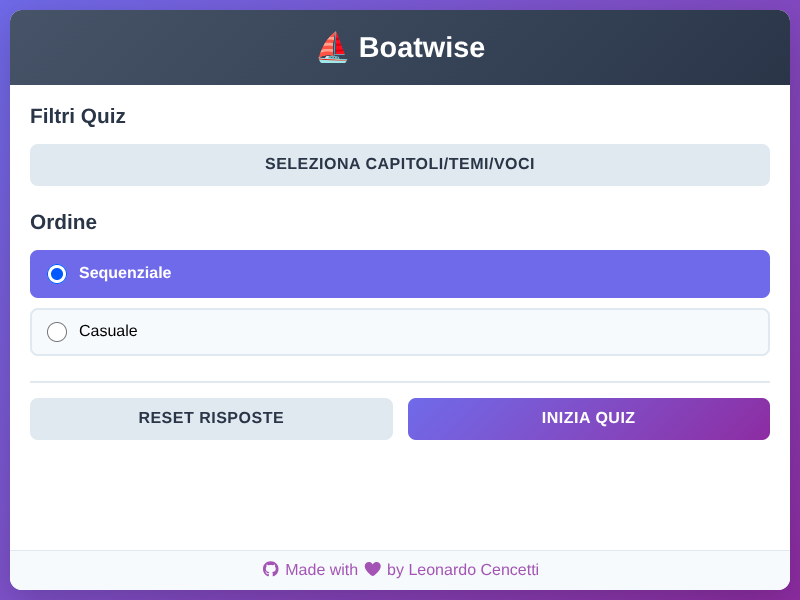
Boatwise is a web application I built to practice quizzes for the Italian nautical license exam. The application was built around the (less-ergonomic) official quiz publication (as PDF) by the Italian Ministry of Transportation. In this post, I’ll walk through the entire development process, from initial concept to deployment.
The User Story
The need was simple but important: aspiring boat captains in Italy need to pass a comprehensive exam that includes multiple-choice questions (“Quiz Base”) and true/false questions (“Quiz Vela”). Students need a convenient way to practice these questions anytime, anywhere, with immediate feedback. Several app exist already, but are often plagued by ads, restricted behind a pay-wall, and incomplete.
Key Requirements:
- Support for multiple quiz types (Base and Vela)
- Allow filtering of quizzes by topic
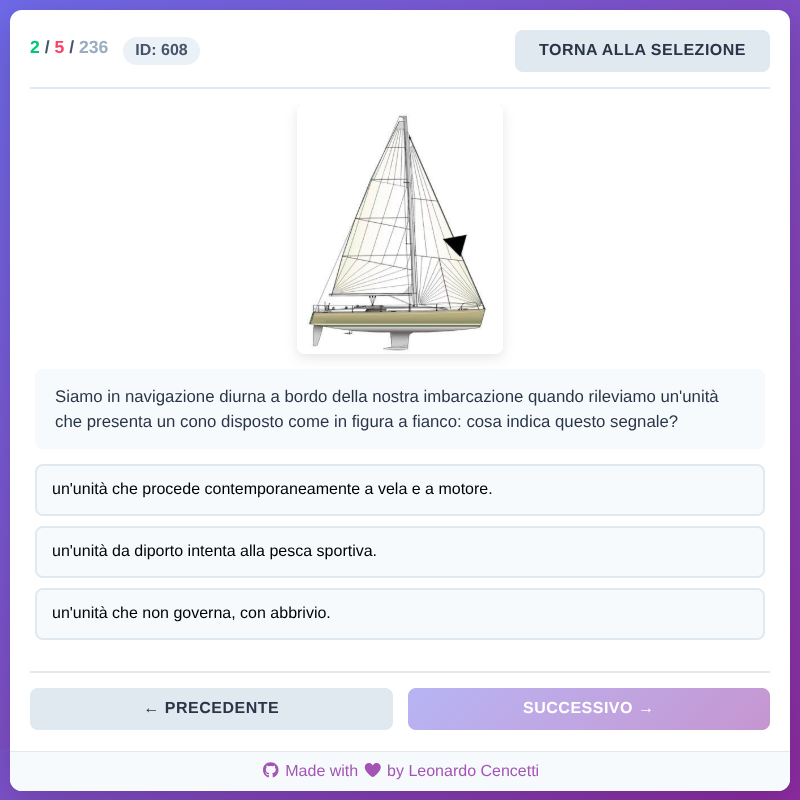
- Display questions with associated images when present
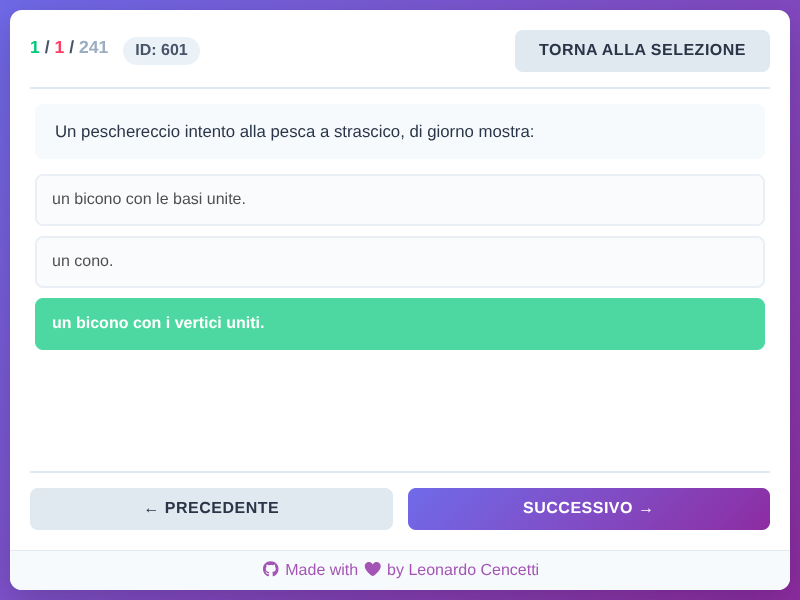
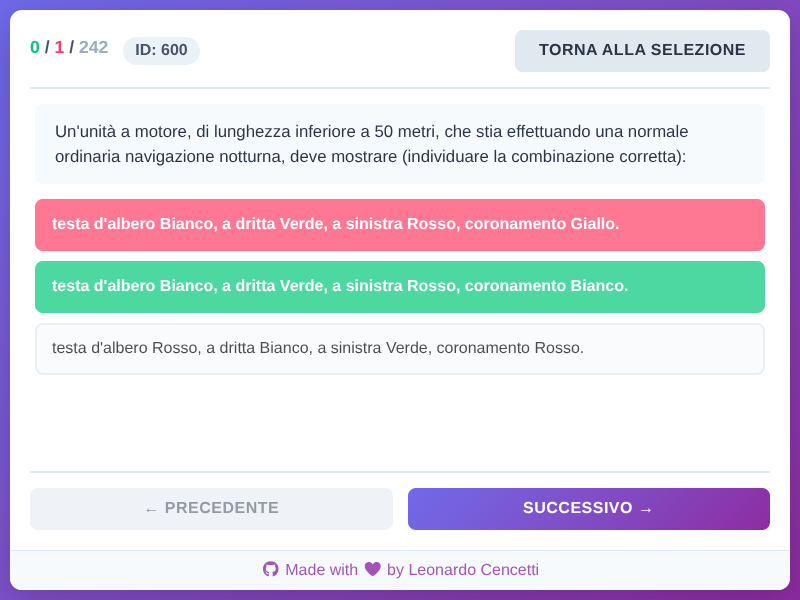
- Provide immediate feedback on answers
- Allow both sequential and randomized quizzing modes
- Track progress through the quiz set, even across page reloads
- Work offline once loaded
- Mobile-friendly interface
Design Phase
Architecture Decisions
I opted for a client-side only architecture for several reasons:
- No backend required means faster loading and offline capability
- Static hosting on GitHub Pages (free and reliable)
- Privacy-friendly (no user data sent to servers)
- Simple deployment pipeline
Technology Stack
- Vanilla JavaScript (modular ES6+): Lightweight and fast, no framework overhead
- HTML5 & CSS3: Modern, responsive design with CSS Grid and Flexbox
- CSV for data storage: Easy to edit and maintain quiz questions
- LocalStorage: For saving user progress and preferences
Development Process
1. Extracting the data
Quizzes are officially distributed as a 338 pages PDF, that includes quizzes for the motor-boat, sailing, and charting licenses.
Fortunately, the file is an export of tabular data from an Excel sheet, and can be easily parsed and processed with available tools.
From the file, the following lists are extracted:
quiz_base.csv: Basic quizzes (multiple choices), common to all licensesquiz_carteggio.csv: Charting quizzesquiz_vela.csv: Sailing (true/false) quizzesquiz_base.rimossi_2024.csv: Quizzes that have been removed since 2024, to be excluded from the other quizzes
2. Core Application Structure
I built the app using a modular architecture:
scripts/
├── app.js          # Main application controller
├── state.js        # State management
├── quiz_data.js    # Data loading and processing
├── dom.js          # DOM manipulation utilities
├── filters.js      # Quiz filtering logic
├── cookies.js      # LocalStorage persistence
├── csv.js          # CSV parsing
└── lang.it.js      # Italian localization
3. Key Features Implementation
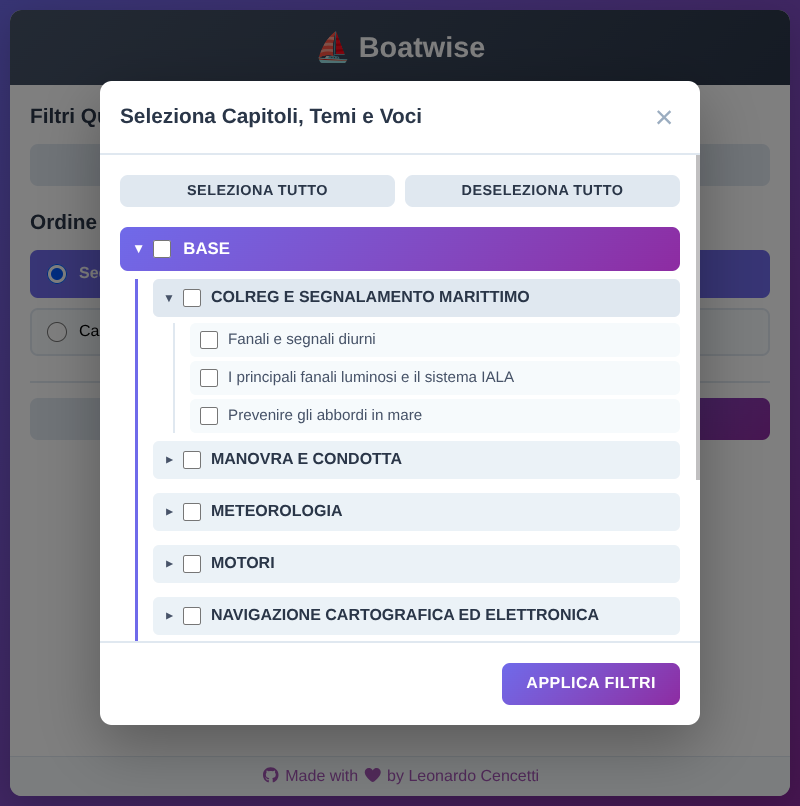
Filter System: The filter modal allows users to select specific chapters, themes, and topics. This was implemented using a hierarchical checkbox system that maintains parent-child relationships.
Random Mode: Using the Fisher-Yates shuffle algorithm to randomize quiz order while maintaining the original dataset integrity.
Progress Tracking: LocalStorage saves answered questions so users can see which questions they’ve already attempted, even across sessions.
Responsive Design: Mobile-first approach with careful attention to touch targets and viewport sizing. The app works seamlessly from phones to desktop browsers.
4. User Interface Polish
I focused on creating an intuitive, distraction-free interface:
- Clear visual feedback (green for correct, red for incorrect)
- Large, touch-friendly buttons
- Progress counter showing completion status
- Clean typography and sufficient white space
- Emoji-enhanced branding (⛵ Boatwise)
Testing
- Quiz flow navigation (forward/backward)
- Answer selection and feedback
- Filter combinations
- Random vs sequential modes
- LocalStorage persistence
- Image loading and display
- Mobile responsiveness (various screen sizes)
Deployment to Cloudflare
1. Cloudflare Worker Configuration
- Authorize the Cloudflare GitHub application to access the repository
- Create a new Cloudflare Pages application, without a build configuration and targeting the
/appdirectory - Cloudflare automatically deploys the site for every push on main
2. Custom Domain & HTTPS
Cloudflare automatically provides:
- HTTPS encryption
- CDN distribution
- Custom domain support
The application can be mapped to boatwise.leocencetti.com via a CNAME DNS record configured through the Cloudflare custom domain settings.
The app is now live at: boatwise.leocencetti.com
Lessons Learned
What Went Well
- Vanilla JS approach: Fast, no build step, easy to maintain
- CSV data format: Non-developers can easily update questions
- Modular architecture: Easy to add features without breaking existing code
- Cloudflare Pages: Zero-cost hosting with excellent reliability
Challenges Overcome
- Image optimization: Had to balance quality vs loading time for quiz figures
- Filter complexity: Implementing hierarchical filtering required careful state management
- Mobile testing: Ensuring touch interactions worked smoothly across devices
- CSV parsing: Handling edge cases in question text (commas, quotes, special characters)
Future Improvements
- Add quiz statistics and performance analytics
- Implement spaced repetition algorithm for weak areas
- Add multi-language support
- Create quiz creation tool for contributors
- Add offline service worker for full PWA support
Conclusion
Boatwise demonstrates that you don’t need a complex framework or backend to build a useful, performant web application. By focusing on the core user need (effective quiz practice) and leveraging modern web standards, I created a tool that’s both functional and maintainable.
The entire project is open source under GPL-3 license and available on GitHub. Feel free to check out the code, suggest improvements, or fork it for your own quiz application needs.
Try it out: Boatwise App
Have you built a similar educational tool? What approaches did you take? Let me know!